Top 10 AI Workforce Platforms for Enterprise in 2026
Deploying AI workers across your business isn't about individual tools anymore. Here are the 10 best AI workforce platforms for enterprise in 2026, ranked by what they actually deliver in production.
What is an AI workforce platform?
AI workforce platforms are tools that augment or replace human labor on specific business workflows — ranging from Copilot-style assistants that help individuals work faster to autonomous agent platforms that complete entire processes without human involvement. The category spans five distinct types: RPA tools that automate screen-level tasks, workflow automation platforms that connect systems by rules, AI assistant tools that help individuals work faster, agent builders that let teams create their own agents, and full-deployment platforms that handle the entire path from pilot to production.
Enterprises aren't asking whether AI agents can do work. They're asking which platform lets them deploy AI workers across departments, at scale, with the governance and reliability their operations require.
Quick comparison
| Platform | Category | Departments covered | Deploys to production? | Non-engineers can build? | Pricing model |
|---|---|---|---|---|---|
| Nexus | Autonomous agent platform + FDEs | Any department | Yes, with Forward Deployed Engineers | Yes | Per-agent |
| Relevance AI | AI agent builder | Sales, marketing, support | Self-serve (builder ceiling) | Yes | Credits (Actions + Vendor) |
| UiPath | RPA + agentic automation | Operations, finance, IT | Yes (rule-based) | Partial (Studio needed) | Per-robot |
| Workato | Enterprise automation | IT, operations, HR | Yes (rule-based) | Partial (IT-managed) | Enterprise license |
| 11x | AI SDR platform | Sales only | Yes (single use case) | Yes | Per-agent |
| CrewAI | Multi-agent framework | Any (code required) | Depends on team | No (Python required) | Open-source / Enterprise |
| Zapier | Workflow automation | Any (simple tasks) | Rule-based only | Yes | Per-task |
| Dify | Open-source AI builder | Any (code required) | Depends on team | Partial | Free / Enterprise |
| Microsoft Copilot + Agents | AI assistant + agent builder | Microsoft 365 ecosystem | Limited | Partial (Copilot Studio) | Per-user |
| Dust | AI assistant platform | Knowledge-heavy teams | No (assistant category) | Yes | Per-user |
AI workforce assistant vs AI workforce agent: what's the difference?
This distinction determines which category of platform you actually need.
AI workforce assistants help individual employees work faster. They draft emails, summarize documents, answer questions from internal knowledge bases, and reduce time spent on information retrieval. The employee drives every interaction. The assistant doesn't complete a workflow — it makes the human completing the workflow faster. Tools like Microsoft Copilot, Dust, and Notion AI fall here.
AI workforce agents complete work autonomously. They collect data from multiple systems, validate it against business rules, make decisions within guardrails, handle exceptions intelligently, and execute actions — all without a human in the loop for routine cases. The process runs whether or not a human is watching. Tools like Nexus, 11x, and CrewAI-based deployments fall here.
Most enterprise AI deployments start with assistants and discover, after 6–12 months, that they've added a productivity layer without removing manual steps from their core processes. According to McKinsey's 2025 State of AI research, while 78% of enterprises have deployed AI in at least one function, only 1% report reaching AI maturity.1 The gap between assistant deployment and workforce transformation is where most enterprises stall.
The platforms, ranked
1. Nexus
What it is: An autonomous agent platform paired with Forward Deployed Engineers who embed with your team. Nexus agents complete entire business workflows end-to-end: collecting data, validating against business rules, making decisions within guardrails, handling exceptions, and executing actions. Deployed across any department. Business teams build and own the agents with no engineering dependency for day-to-day operations.
Why it ranks first for AI workforce deployment:
Most AI workforce platforms are either agent builders (build it yourself, deploy it yourself) or automation tools (follow rules, no judgment). Nexus occupies a different category: platform plus Forward Deployed Engineers who handle the 90% of deployment that isn't technology. Integration complexity, organizational change management, governance configuration, and keeping agents running in production. That's the gap between "we built some agents" and "we have an AI workforce."
What it looks like in production:
- Orange Group (multi-billion euro telecom, 120,000+ employees): Business team built autonomous customer onboarding agents. Deployed across multiple European markets in 4 weeks. 50% conversion improvement and significant yearly revenue uplift. 90% autonomous resolution. 100% team adoption. Previously used a CX chatbot with a 27% drop-out rate.
- European telecom (13,000+ employees): Deployed a dozen Nexus agents across support operations. 40% of support volume freed across millions of interactions.
- European consulting firm (400+ employees): Fleet of agents across the entire consulting lifecycle: interviews, CV generation, project matching, proposals, and HR support. Each agent deployed in days. Proposal turnaround went from days to hours.
Key differentiators:
- 4,000+ integrations, including legacy ERPs, custom APIs, and systems with no standard connectors
- Forward Deployed Engineers embedded from day one
- SOC 2 Type II, ISO 27001, ISO 42001, GDPR
- Per-agent pricing tied to value delivered
- 100% POC-to-contract conversion rate
- Agents deploy into existing channels (Slack, Teams, WhatsApp, email, phone, web)
Pricing: Per-agent. Every engagement starts with a 3-month POC tied to measurable outcomes.
Best for: Enterprises (500+ FTE) deploying AI workers across multiple departments with complex systems, compliance requirements, and organizational change needs.
2. Relevance AI
What it is: A no-code platform for building AI agents and multi-agent "AI Workforce" systems. Business teams sign up, build agents with a visual interface, and coordinate them on tasks across tools like HubSpot, Salesforce, and Slack. Well-designed for mid-market teams getting started with AI agents.
Strengths: Accessible builder, strong sales and marketing templates, multi-agent coordination, self-serve model that lets teams experiment quickly.
Limitations for enterprise AI workforce: There's a ceiling that shows up at enterprise scale. Governance, compliance, deep system integration, and organizational change management aren't problems a builder tool alone solves. Connecting to systems outside the natively supported set requires API configuration and technical skills. Exception handling depends on how well agents are configured, and edge cases multiply at enterprise volume. Support model is documentation and community forums (Premier support on Enterprise tier). The builder gets you to the prototype. Production deployment across complex enterprise systems is a different problem.
Pricing: Free (200 actions/month), Team ($234/mo, 84,000 actions/year), Enterprise (custom). Credits split into Actions and Vendor Credits.
Best for: Mid-market teams getting started with AI agents, especially for sales and marketing automation, where the workflows stay within standard business tools.
Full Nexus vs Relevance AI comparison -->
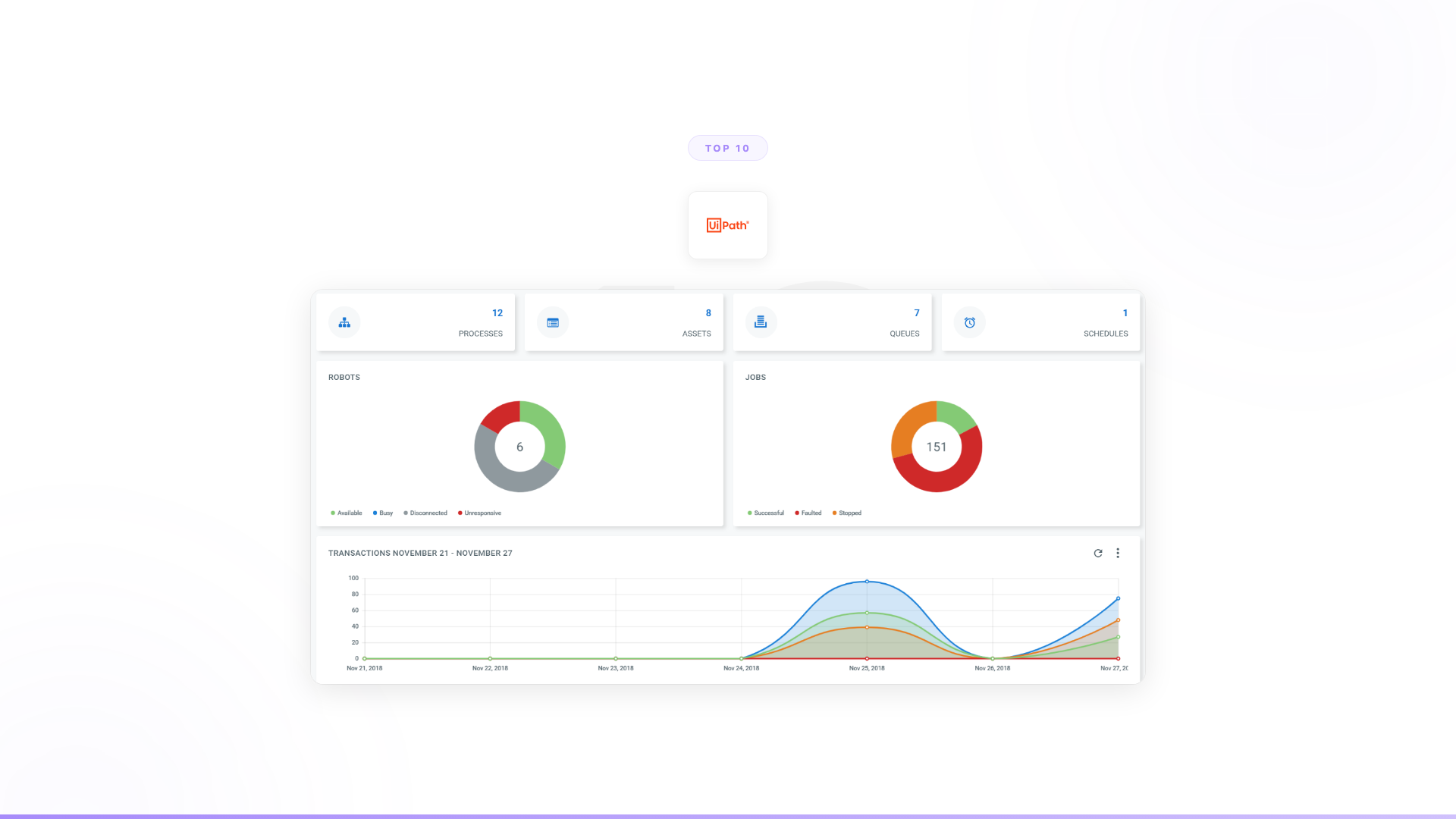
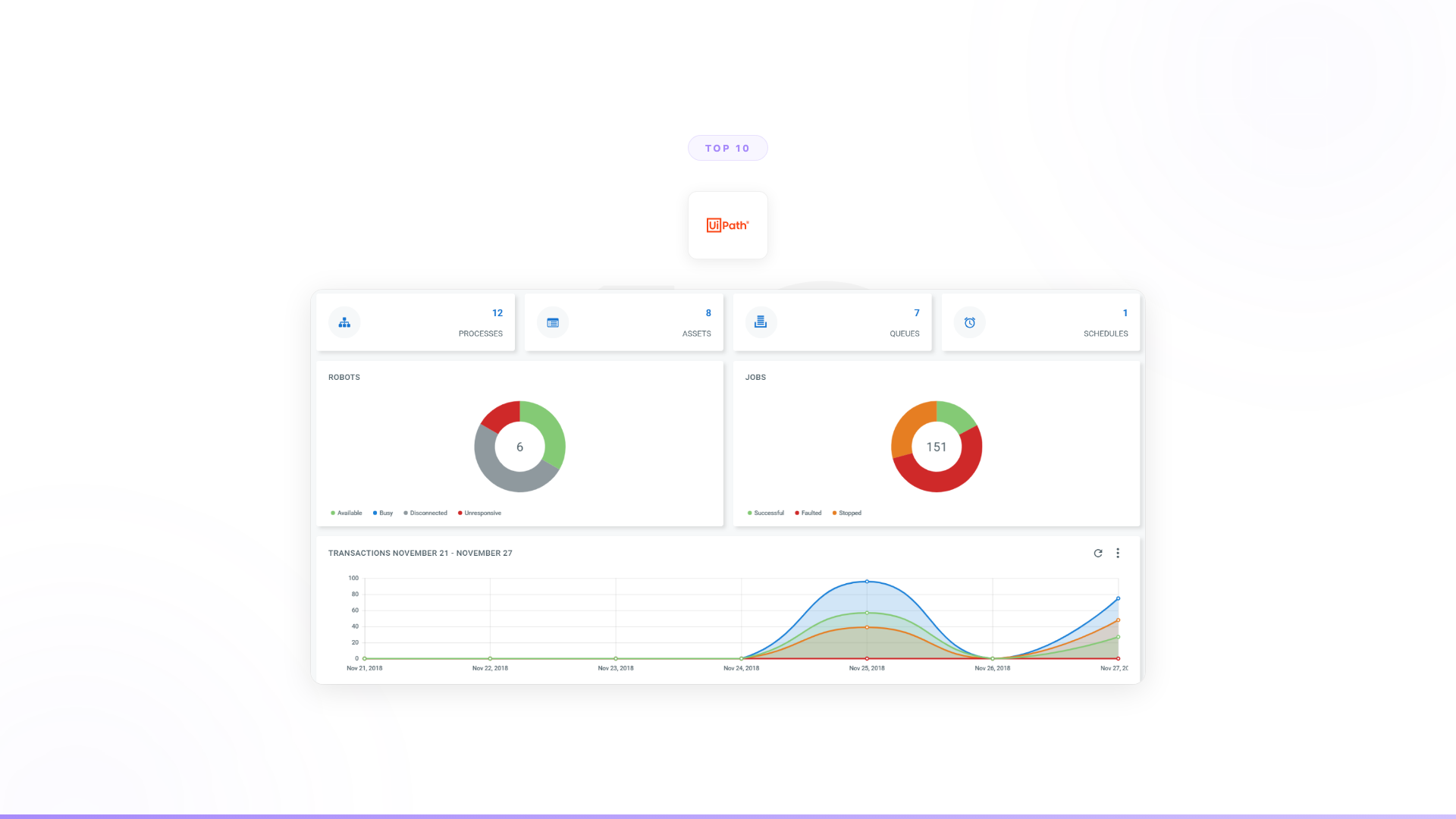
3. UiPath
What it is: The leading RPA platform, now adding "agentic automation" features. Software robots interact with application UIs the way humans do. Strong at high-volume, repetitive, screen-based processes: data entry, invoice processing, report generation. Massive enterprise installed base.
Strengths: Proven at enterprise scale. Deep process automation capabilities. Strong governance and compliance features. Large partner ecosystem. Familiar to IT teams.
Limitations for AI workforce: Built on screen-level interaction, not autonomous reasoning. When the process requires judgment or handling unexpected data, the robot stops and a human takes over. RPA implementations are brittle (UI changes break robots). The "agentic" additions are improving capabilities, but the architecture is still fundamentally rule-based. Deploying AI workers that reason, adapt, and make decisions is a different challenge than automating screen clicks.
Pricing: Per-robot licensing. Enterprise pricing typically $10K–50K+ per robot annually.
Best for: High-volume, screen-based, repetitive processes with minimal exceptions and stable application interfaces.
4. Workato
What it is: Enterprise integration and automation platform. Connects enterprise systems (Salesforce, SAP, Workday, ServiceNow) with no-code "recipes." Stronger enterprise governance and IT controls than consumer automation tools. IT-managed automation with proper security, compliance, and monitoring.
Strengths: Enterprise-grade integration depth. Strong governance and audit controls. IT-friendly. Handles complex data transformations between enterprise systems. Proven at Fortune 500 scale for integration workloads.
Limitations for AI workforce: Workato automates based on rules and triggers. It doesn't reason about data, handle ambiguous exceptions, or make decisions. It's excellent plumbing (connecting systems, moving data, triggering actions) but doesn't provide the intelligence layer that AI workers need. If "AI workforce" means agents that think and act, Workato handles the connections but not the cognition.
Pricing: Enterprise licensing, custom pricing. Typically $20K–100K+ annually.
Best for: IT teams that need enterprise-grade integration and rule-based automation with proper governance controls across major enterprise systems.
5. 11x
What it is: AI sales development platform. Deploys AI "digital workers" specifically for outbound sales: researching prospects, personalizing outreach, booking meetings. Pre-built, purpose-built SDR agents.
Strengths: Fast to deploy for its specific use case. No building required. Purpose-built for outbound sales, which means the agent is already tuned for that workflow. Clear ROI framing.
Limitations for AI workforce: Single department, single use case. An "AI workforce" that only covers outbound sales isn't a workforce. You'll need different tools for support, HR, operations, compliance, onboarding, and every other department. That creates fragmentation: isolated agents that don't share context, separate vendor relationships, no coordinated intelligence across the business. Gartner cites lack of coordination architecture as a primary driver of the 40%+ projected cancellation rate for agentic AI projects by 2027.2
Pricing: Per-agent, custom enterprise pricing.
Best for: Sales teams focused exclusively on outbound SDR automation who don't need cross-department AI coordination.
6. CrewAI
What it is: A Python framework for building multi-agent AI systems. Defines agents with roles, tools, and goals, then coordinates them on tasks. Well-designed abstractions for sequential, hierarchical, and parallel agent collaboration. Growing developer community.
Strengths: Flexible and explicit multi-agent coordination. Open-source foundation. Active community and good documentation. Lets engineering teams build exactly the agent behavior they need. CrewAI Enterprise adds deployment infrastructure.
Limitations for AI workforce: It's a framework, not a deployment platform. Your engineering team handles production deployment, monitoring, governance, security, compliance, enterprise integrations, and maintenance. For deploying an AI workforce across an enterprise, that's a significant amount of infrastructure your team needs to build and maintain. Engineering-led organizations have chosen to deploy instead of build because even with strong technical teams, the opportunity cost of diverting engineers from core product is too high.
Pricing: Open-source (free). CrewAI Enterprise pricing custom.
Best for: Engineering teams with Python experience who want explicit control over multi-agent coordination and can invest in production infrastructure.
Full Nexus vs CrewAI comparison -->
7. Zapier
What it is: Workflow automation platform. Connects 7,000+ apps with if-this-then-that logic. No code required. Now includes AI features (AI-powered actions, Chatbot builder). Good for simple automations between SaaS tools.
Strengths: Huge integration library. Easy to start. Affordable for small automations. Familiar to business teams. The AI additions are making it more capable for straightforward use cases.
Limitations for AI workforce: Zapier follows rules. It can't handle judgment, exceptions, or ambiguity. Enterprise processes are full of these moments. At scale, Zapier automations also become difficult to manage, monitor, and govern. It's a good tool for simple integrations but structurally limited as an "AI workforce" platform for enterprise.
Pricing: Starts at $29.99/month. Enterprise plans with premium connectors run higher.
Best for: Simple, rule-based automations between SaaS tools. Data syncing, notifications, basic routing.
8. Dify
What it is: Open-source platform for building LLM-powered applications. Visual workflow builder, RAG pipeline, agent capabilities, model management. Can be self-hosted or used as cloud service. Popular with engineering teams that want infrastructure control.
Strengths: Open-source, self-hostable (important for data sovereignty and regulated industries). Broad model support. Visual builder that's more accessible than pure code frameworks. Growing ecosystem.
Limitations for AI workforce: Dify provides infrastructure for building AI applications, not a deployment solution for enterprise AI workers. Your team handles deployment, monitoring, governance, compliance, integrations, and organizational adoption. For a team building one or two internal AI tools, Dify works. For deploying an AI workforce across departments at enterprise scale, the gap between "we have a builder" and "we have agents in production" is substantial.
Pricing: Free (open-source). Cloud plans start at $59/month. Enterprise custom.
Best for: Technical teams that want open-source control over AI application infrastructure and can handle production operations internally.
9. Microsoft Copilot + Agents
What it is: Microsoft's AI assistant across the 365 ecosystem, now with Copilot Studio for building custom agents. Drafts emails, summarizes meetings, generates slides, and (via Copilot Studio) creates agents that automate tasks within the Microsoft ecosystem.
Strengths: Native to the largest enterprise software ecosystem. Familiar to IT teams. Growing agent capabilities through Copilot Studio. Deep Microsoft Graph integration.
Limitations for AI workforce: Copilot is primarily an assistant (helps individuals, doesn't complete workflows). Copilot Studio agents are improving but still largely limited to the Microsoft ecosystem. Gartner found that only 6% of organizations that purchased Microsoft 365 Copilot licenses scaled it to broad deployment — the majority remained in pilot or limited rollout.3 Copilot Studio's agent builder capabilities are real but production deployment across complex, multi-system enterprise workflows remains challenging.
Pricing: $30/user/month (Copilot). Copilot Studio pricing additional.
Best for: Microsoft-centric organizations that want AI assistance within the 365 ecosystem and are experimenting with agent capabilities.
10. Dust
What it is: AI assistant platform. Teams build custom assistants connected to internal knowledge sources (Notion, Slack, Google Drive, Confluence). Role-specific assistants that understand your company's context. Strong team (ex-OpenAI, ex-Stripe, backed by Sequoia).
Strengths: Best-in-class knowledge integration for assistants. Thoughtful product design. Good for teams that need AI connected to their internal knowledge. Model flexibility.
Limitations for AI workforce: Dust is an assistant, not an agent. It helps individuals find information and draft content. The employee drives every interaction. For an "AI workforce" that autonomously completes work across departments, Dust doesn't reach there. It's valuable for what it does, but "AI workforce" implies agents that work independently, and that's a different category.
Pricing: $29/user/month (Pro), custom enterprise pricing.
Best for: Teams that need AI assistants with deep knowledge integration and whose primary need is better information access, not autonomous workflow completion.
Full Nexus vs Dust comparison -->
How to measure ROI from an AI workforce platform
ROI from AI workforce platforms is measurable, but the right metrics differ by deployment type.
For process automation agents (customer onboarding, support, operations): measure resolution rate, cost per interaction, hours freed, and conversion improvement. Orange's onboarding agents produced a 50% conversion improvement and 90% autonomous resolution. The European telecom freed 40% of support volume. These are production numbers, not pilot projections.
For sales and pipeline agents: measure pipeline discovered, outreach volume per headcount, and meeting conversion rate. High-growth AI companies have used Nexus agents to surface pipeline opportunities across large enterprise account bases — adding research capacity equivalent to thousands of analyst hours annually.
For knowledge and consulting workflows: measure turnaround time reduction and output volume. The European consulting firm reduced proposal turnaround from days to hours across the entire consulting lifecycle.
The honest benchmarks: among enterprises reporting production agentic deployments, 74% report achieving ROI within the first year, with average returns of 171% across deployments.4 High-volume processes with clear rules and measurable outcomes produce the fastest ROI. Process complexity and organizational change management are the variables that most affect time-to-value.
How to choose an AI workforce platform
The list above covers a range of categories. Choosing the right platform depends on three honest assessments:
1. What do your AI workers actually need to do?
If they need to follow rules and execute predictable steps, Workato, UiPath, or Zapier will work. If they need to reason about data, handle exceptions, make decisions, and adapt to unexpected situations, you need an agent platform with real autonomy.
2. Can your team handle production deployment internally?
If you have a strong AI engineering team and want to own the full stack, frameworks like CrewAI or Dify give you control. If deployment complexity, governance, compliance, and organizational change management are the bottleneck — which they are for most enterprises — you need a platform that handles the 90% of deployment that isn't technology.
3. Do you need one department or many?
Single-use-case tools (11x for sales, Moveworks for IT) work if your AI ambition is narrow. If you're deploying AI workers across sales, support, HR, operations, compliance, and onboarding, you need a platform that coordinates agents across the entire organization with shared context and unified governance. Gartner predicts 40% of enterprise applications will include task-specific AI agents by 2026, up from less than 5% in 2025.5 The enterprises that establish cross-department coordination infrastructure now will deploy subsequent agents in days rather than months.
FAQ: AI workforce platforms
What is an AI workforce platform?
An AI workforce platform is software that deploys AI agents to complete business workflows autonomously — collecting data, making decisions within defined rules, handling exceptions, and executing actions without human involvement in routine cases. The category ranges from rule-based automation tools (RPA, workflow automation) to fully autonomous agent platforms that handle complex, judgment-dependent processes. The distinction from individual AI tools: workforce platforms complete work across departments, not just assist individual employees.
What's the difference between an AI assistant and an AI workforce agent?
An AI assistant helps an employee do their work faster — drafting, summarizing, answering questions. The employee still drives the workflow. An AI workforce agent completes the workflow independently: it collects data, makes a decision, handles the exception, and executes an action. The employee reviews exceptions, not routine cases. Microsoft Copilot and Dust are assistants. Nexus agents are workers. Both have value; they solve different problems.
Can AI workforce platforms replace human workers?
In specific, high-volume, rules-based processes, AI agents handle 70–90% of routine cases autonomously — with humans handling the 10–30% that requires genuine judgment. Orange Group's onboarding agents run at 90% autonomous resolution. The 10% that escalates to humans is more complex work, not the same work at reduced headcount. The more accurate framing: AI workforce platforms change what human workers do, not just how many are needed. McKinsey research finds 32% of companies expect AI to reduce their total workforce by at least 3% within the next year, while 43% expect no change, and 13% expect increases.1
What business functions benefit most from AI workforce automation?
The highest ROI deployments are in functions with high volume, clear rules, and measurable outcomes: customer onboarding, support triage and resolution, sales prospecting and research, document processing, HR workflows, and compliance checks. Cross-department processes — where one workflow touches multiple systems and teams — produce compounding value because the coordination overhead is where the most time is lost.
What governance features should an AI workforce platform have?
Production-grade AI workforce governance requires: full audit trails (every decision traceable to the data and rules that informed it), role-based access controls, escalation protocols for exceptions, compliance certifications relevant to your industry (SOC 2 Type II, ISO 27001, ISO 42001, GDPR), and configurability to your regulatory landscape. Gartner finds only one in five companies currently has a mature governance model for autonomous AI agents — and cites inadequate risk controls as a primary reason over 40% of agentic AI projects will be canceled by 2027.2
How long does it take to deploy an AI workforce platform?
With a full-deployment platform and Forward Deployed Engineers, production deployment for an initial use case takes 3–4 weeks. Orange's onboarding agents deployed across multiple European markets in 4 weeks. A European consulting firm deployed agents across multiple workflow types in a similar timeframe. With self-serve builders (Relevance AI, Dify), a prototype takes days — but production deployment across enterprise systems typically takes months, depending on integration complexity and organizational change management.
How much does an AI workforce platform cost?
Pricing varies significantly by category. RPA platforms (UiPath): $10K–50K+ per robot annually. Enterprise automation (Workato): $20K–100K+ annually. Self-serve agent builders (Relevance AI): from $234/month. Open-source frameworks (CrewAI, Dify): free, but team time for deployment is the real cost. Full-deployment platforms with Forward Deployed Engineers (Nexus): per-agent pricing tied to value delivered, structured around a 3-month POC. The relevant comparison isn't license cost — it's time-to-production value and total cost including internal engineering and change management.
Worth exploring?
Every Nexus engagement starts with a 3-month proof of concept tied to measurable outcomes. Forward Deployed Engineers embed with your team from day one. You see the results before committing.
100% of clients who started a POC converted to an annual contract.
Read how enterprises are deploying AI workforces -->
Related reading
- Nexus vs Relevance AI: agent builder vs enterprise deployment
- Top 10 Relevance AI Alternatives
- Top 10 AI Agent Platforms for Enterprise
- How to Build an AI Workforce for Your Enterprise
- Nexus vs CrewAI: framework vs deployment platform
- Nexus vs Dust: assistants vs autonomous agents
- How to Build AI Agents for Enterprise
Footnotes
-
McKinsey & Company, The State of AI in 2025: Agents, Innovation, and Transformation (2025). https://www.mckinsey.com/capabilities/quantumblack/our-insights/the-state-of-ai ↩ ↩2
-
Gartner, Gartner Predicts Over 40% of Agentic AI Projects Will Be Canceled by End of 2027 (June 2025). https://www.gartner.com/en/newsroom/press-releases/2025-06-25-gartner-predicts-over-40-percent-of-agentic-ai-projects-will-be-canceled-by-end-of-2027 ↩ ↩2
-
Gartner, Strategic Predictions for 2026: How AI's Underestimated Influence Is Reshaping Business (January 2026). https://www.gartner.com/en/articles/strategic-predictions-for-2026 ↩
-
Arcade, Agentic AI Adoption Trends & Enterprise ROI Statistics for 2025 (2025). https://blog.arcade.dev/agentic-framework-adoption-trends ↩
-
Gartner, Gartner Predicts 40% of Enterprise Apps Will Feature Task-Specific AI Agents by 2026 (August 2025). https://www.gartner.com/en/newsroom/press-releases/2025-08-26-gartner-predicts-40-percent-of-enterprise-apps-will-feature-task-specific-ai-agents-by-2026-up-from-less-than-5-percent-in-2025 ↩