Top 10 AI Tools for IT Helpdesk Automation in 2026
Most IT helpdesk AI tools solve ticket deflection. The real opportunity is autonomous workflow completion across IT and every other department. Here are 10 tools ranked by what they actually deliver.
AI IT helpdesk tools range from knowledge-base chatbots that answer questions to autonomous agents that resolve tickets end-to-end by taking action in connected systems. Most tools handle the first category well. According to HDI's Technical Support Practices & Salary Report, the average fully-loaded cost of a Level 1 IT support ticket exceeds $20—and the majority of that cost sits in the workflows no chatbot touches.
Here are 10 tools ranked by how far beyond ticket deflection they actually go.
What should AI IT helpdesk tools actually do?
Most IT helpdesk AI tools were built for one thing: deflecting the simple, repetitive questions before they reach a human agent. An employee types "I can't connect to VPN." The AI pulls an answer from the knowledge base and resolves the ticket. That's real value—Gartner estimates that AI-based virtual agents can automate 40–60% of Tier 1 IT support volume when properly deployed.
But deflecting Tier 1 tickets is a fraction of what IT teams actually spend time on. Consider what's left after the simple tickets are deflected:
- Employee onboarding across 15 applications with role-based exceptions
- License audits across 50 SaaS tools
- Incident investigations that correlate alerts from three monitoring systems
- Access revocation for a departing employee across every connected system
- Compliance audits pulling access logs from every tool and routing remediation
None of these are questions with answers. They're workflows with steps, decisions, exceptions, and actions across multiple systems. Ticket deflection tools don't touch them. The distinction matters: answering a request ends the conversation; completing a request closes the work.
Quick comparison
| Tool | Primary capability | Resolves vs. completes | Goes beyond IT? | Pricing model |
|---|---|---|---|---|
| Nexus | Autonomous agent platform | Completes end-to-end workflows | Yes, any department | Per-agent |
| Moveworks (ServiceNow) | IT self-service AI | Resolves known ticket types | IT/HR/facilities | Per-employee |
| ServiceNow Virtual Agent | IT/HR self-service bot | Resolves via pre-built flows | IT/HR/facilities | Bundled with ServiceNow |
| Freshservice Freddy AI | IT helpdesk AI | Resolves + categorizes | IT only | Per-agent seat |
| Aisera | AI service management | Resolves IT + customer tickets | IT + customer service | Enterprise license |
| Espressive Barista | Employee self-service | Resolves employee requests | Employee services | Per-employee |
| Rezolve.ai | IT helpdesk (Teams) | Resolves in Teams | IT only | Per-employee |
| Zendesk AI | Customer + internal support | Triages + suggests | Customer-facing primary | Per-agent seat |
| Microsoft Copilot | AI assistant | Assists individuals | Individual productivity | Per-user ($30/mo) |
| Jira Service Management AI | IT helpdesk + DevOps | Categorizes + routes | IT/DevOps | Per-agent seat |
The tools, ranked
1. Nexus
What it is: An autonomous agent platform with Forward Deployed Engineers (FDEs) who embed with your team. Nexus agents don't just answer IT questions—they complete entire workflows end-to-end: collecting data from multiple systems, validating against business rules, making decisions within guardrails, handling exceptions, and executing actions autonomously.
Why it ranks first for IT helpdesk AI:
Two reasons. First, Nexus handles IT helpdesk use cases better than conversation-layer tools because agents complete the work behind the ticket, not just the conversation about it. When an employee requests access to a tool, the agent doesn't create a ticket for someone else to process. It checks their role, validates approval chains, provisions access, updates logs, and handles the exception when their department code doesn't match an existing template.
Second, and this is the real differentiator: Nexus doesn't stop at IT. The same platform serves sales, customer support, compliance, HR, marketing, and operations. That matters because IT leaders who deploy a helpdesk-only AI tool will face the same evaluation process again when sales needs AI, when customer support needs AI, when compliance needs AI. One platform that covers every department avoids that fragmentation entirely.
What it looks like in production:
- Orange Group (multi-billion euro telecom, 120,000+ employees): Business team built autonomous customer onboarding agents. 50% conversion improvement. ~$6M+ yearly revenue. 90% autonomous resolution. Deployed in 4 weeks. 40% of customer service capacity freed.
- European telecom (13,000+ employees): Tried Copilot Studio for 6 months with zero production use cases. Deployed a dozen Nexus agents and freed 40% of support volume across millions of interactions.
Pricing: Per-agent, tied to value delivered. 3-month proof of concept tied to measurable outcomes.
Best for: Enterprises that need IT helpdesk AI today and know they'll need AI across every department tomorrow. Organizations where the work behind the tickets matters more than the tickets themselves.
Full Nexus vs Moveworks comparison →
2. Moveworks (ServiceNow)
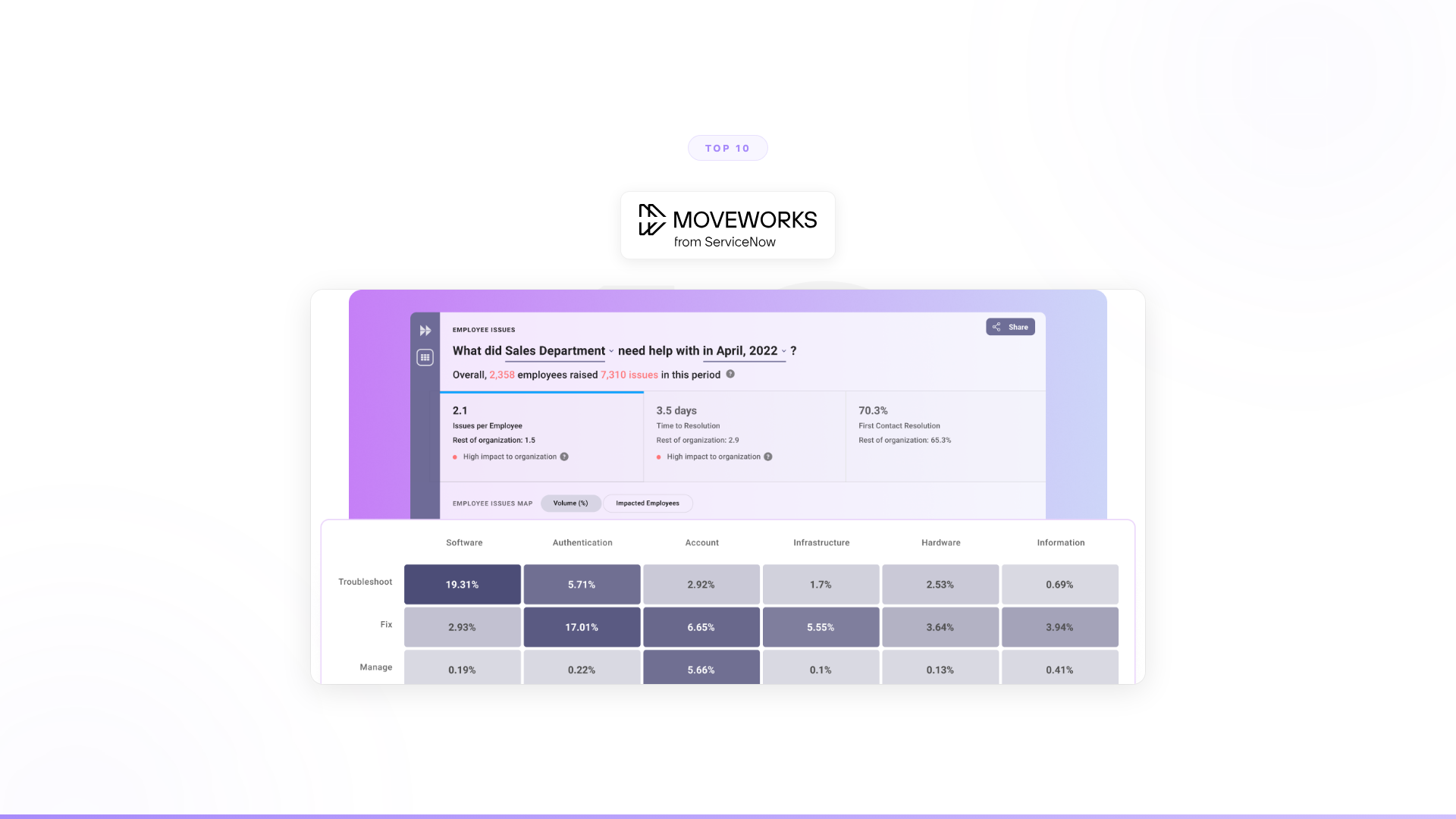
What it is: Conversational AI for employee self-service, now owned by ServiceNow ($2.85B acquisition, December 2025). Employees ask questions in natural language. Moveworks resolves known IT issues—password resets, software access, VPN troubleshooting—or routes to the right team. Recently expanded to HR, finance, and facilities.
Strengths: Years of IT-specific training data. Proven deployment across hundreds of enterprises. Processes hundreds of millions of interactions annually. Strong NLU for understanding employee requests. Deep ITSM integrations.
Limitations: Handles the conversation layer. When a request requires multi-system validation, conditional logic, or exception handling, it routes to a human. Now part of ServiceNow, so product direction, pricing, and integration priorities serve that ecosystem—non-ServiceNow integrations may receive less investment over time.
Pricing: Per-employee licensing, typically $100–200/employee/year. Shifting toward bundled ServiceNow SKUs.
Best for: ServiceNow-native organizations where IT ticket deflection is the primary AI objective.
3. ServiceNow Virtual Agent
What it is: ServiceNow's built-in conversational AI for employee self-service. Pre-built conversation flows for IT, HR, and facilities. Native to the Now Platform with deep integration into ITSM workflows. Converging with Moveworks post-acquisition.
Strengths: Zero integration effort for ServiceNow customers. Pre-built topic flows for common ITSM scenarios. Handles simple requests end-to-end within the ServiceNow workflow engine. Improving rapidly as Moveworks technology gets absorbed.
Limitations: Tied entirely to ServiceNow. Pre-built flows handle known scenarios well but struggle with anything outside their defined paths. Doesn't extend to customer-facing workflows or departments beyond employee services.
Pricing: Bundled with ServiceNow ITSM and HRSD licenses.
Best for: Organizations already running ServiceNow that want a native AI layer without adding vendors.
4. Freshservice Freddy AI
What it is: AI capabilities built into Freshworks' IT service management platform. Freddy handles ticket classification, auto-assignment, knowledge base recommendations, and employee self-service through a chatbot. Designed for simplicity.
Strengths: Fast to deploy. Approachable for mid-market IT teams without enterprise-tier complexity. Decent at ticket categorization and routing. Integrated natively with the Freshservice ITSM workflow.
Limitations: Less sophisticated NLU than Moveworks or ServiceNow. IT-only scope. Limited depth in resolution capability. Better at triaging tickets than resolving them. Doesn't handle multi-system processes.
Pricing: Included in Freshservice plans. Enterprise tier starts at $115/agent/month.
Best for: Mid-market IT teams that want built-in AI at an accessible price point.
5. Aisera
What it is: AI service management platform covering IT helpdesk and customer service. Combines conversational AI, ticket intelligence, and workflow automation. One of the few IT helpdesk tools that also addresses customer-facing support.
Strengths: Dual coverage across internal IT support and external customer service. Auto-resolution for common ticket types. Learns from ticket history to improve routing.
Limitations: "Resolution" still means answering or routing, not completing multi-step processes. Doesn't handle the complex workflow execution behind tickets.
Pricing: Enterprise licensing, custom pricing.
Best for: Organizations that want ticket deflection for both IT support and customer service on one platform.
6. Espressive Barista
What it is: AI-powered employee self-service platform. Single front door for employee questions across IT, HR, finance, and facilities. The "Employee Language Cloud" provides pre-built knowledge across common enterprise topics.
Strengths: Broad employee service coverage out of the box. Fast time to value with pre-built knowledge. Independent of any ITSM vendor.
Limitations: Handles the conversation. Routes complex work to humans. Doesn't extend beyond employee services.
Pricing: Per-employee licensing.
Best for: Enterprises that want a unified employee self-service experience across departments without committing to a specific ITSM vendor.
7. Rezolve.ai
What it is: IT helpdesk AI built natively for Microsoft Teams. Employees submit IT requests directly in Teams. Rezolve.ai resolves common issues—password resets, software provisioning, knowledge base lookups—without leaving the Teams environment.
Strengths: Zero friction for Teams-heavy organizations. Employees don't need to learn a new interface or visit a portal. Simple setup. More affordable than enterprise IT AI platforms.
Limitations: Teams-only. IT-only. Narrower AI capabilities than Moveworks or Aisera. Handles the simplest tier of IT requests well, but anything requiring investigation, multi-system validation, or decision-making goes to a human.
Pricing: Starting around $3/employee/month.
Best for: Small to mid-size Teams-native organizations with basic IT support automation needs and limited budget.
8. Zendesk AI
What it is: AI features built into the Zendesk customer support platform. Automates ticket triage, suggests responses for agents, powers customer self-service chatbots, and detects intent and sentiment. Primarily customer-facing, but increasingly used for internal helpdesks.
Strengths: Mature AI for customer support. Good at intent detection and ticket routing. Some organizations use Zendesk for internal IT support.
Limitations: Designed for customer support first. IT helpdesk is a secondary use case. Conversation-layer automation, not process execution.
Pricing: Included in Zendesk Suite plans. Advanced AI features at additional cost.
Best for: Organizations already using Zendesk for IT support that want AI features without adding a separate tool.
9. Microsoft Copilot
What it is: Microsoft's AI assistant across Microsoft 365. Summarizes meetings, drafts emails, generates content, and answers questions from your Microsoft ecosystem. Not built for IT helpdesk automation, but often evaluated alongside helpdesk tools.
Strengths: Useful for individual IT staff productivity—summarizing incident reports, drafting communications, analyzing data in Excel. Integrates with the Microsoft ecosystem most IT teams use.
Limitations: Not an IT helpdesk automation tool. Doesn't deflect tickets, resolve employee requests, or automate ITSM workflows. It helps individual IT workers be more productive at their tasks, but it doesn't reduce the volume of those tasks. According to Bloomberg Intelligence analysis, only a small fraction of Microsoft 365 subscribers have activated Copilot licenses as of early 2026, reflecting slow enterprise adoption beyond early movers.
Pricing: $30/user/month.
Best for: Individual IT staff productivity, not IT helpdesk automation.
Full Nexus vs Copilot comparison →
10. Jira Service Management AI
What it is: AI capabilities within Atlassian's Jira Service Management (JSM). Includes virtual agent powered by Atlassian Intelligence, AI-assisted ticket categorization, smart routing, and knowledge base recommendations. Strong connection to Jira Software for IT-DevOps workflow alignment.
Strengths: Native integration with Jira Software. Good for IT-DevOps alignment. Virtual agent handles common IT questions. Affordable.
Limitations: Shallower AI than dedicated IT helpdesk tools. Virtual agent is newer and less proven. Limited to the Atlassian ecosystem.
Pricing: Starts at $22.05/agent/month (Premium tier required for AI features).
Best for: IT teams already on Jira that want AI features without a separate vendor, especially where IT-DevOps alignment matters.
AI IT helpdesk vs traditional ITSM: what's different?
Traditional ITSM platforms—ServiceNow, Jira Service Management, Freshservice—manage the ticket lifecycle: creation, routing, SLA tracking, resolution, and closure. They make IT processes visible and measurable. They don't automate the execution of those processes.
AI IT helpdesk tools add a layer on top: they intercept employee requests before a ticket is created, resolve the simple ones automatically, and route the rest. For Tier 1 tickets (password resets, software access requests, basic troubleshooting), this works well. Gartner has noted that organizations with mature AI deployments in ITSM report Tier 1 automation rates of 40–60% (Gartner, "Predicts 2025: AI Will Reshape IT Service and Support," 2024).
Autonomous agent platforms go further: they don't just route tickets, they execute the underlying workflows. The difference in practice:
| Capability | Traditional ITSM | AI helpdesk (conversation-layer) | Autonomous agents |
|---|---|---|---|
| Ticket creation and routing | Yes | Yes, automated | Yes, automated |
| Tier 1 self-service | No | Yes | Yes |
| Multi-system workflow execution | Manual | No | Yes |
| Exception handling | Manual | No | Yes |
| Cross-department automation | No | No | Yes |
What IT systems does AI helpdesk need to integrate with?
Integration depth is a primary purchase criterion that most tool comparisons skip. Before evaluating any AI helpdesk tool, map your required integrations:
Identity and access: Active Directory / Azure AD, Okta, CyberArk, BeyondTrust — required for access provisioning and revocation workflows.
ITSM platforms: ServiceNow, Jira Service Management, Freshservice, Ivanti — where tickets are created, tracked, and closed.
Employee communication: Slack, Microsoft Teams — where employees submit requests and receive responses.
SaaS applications: Salesforce, Workday, SAP, Microsoft 365, Google Workspace, and any other tools in your application catalog that require access management.
Monitoring and alerting: PagerDuty, Datadog, Splunk — relevant for incident management automation beyond ticket deflection.
Conversation-layer AI tools (Moveworks, Espressive, Rezolve.ai) integrate at the ticket and knowledge layer. Autonomous agent platforms integrate at the action layer—they don't just read from these systems, they write to them.
Beyond ticket deflection: the larger opportunity
Every tool on this list (except Nexus) shares a structural pattern. They automate the conversation layer. They understand what someone needs, pull an answer from a knowledge base or resolve a known ticket type, and route everything else to a human. That's ticket deflection. It reduces the volume of simple, repetitive questions that reach your IT team.
That's real value. But it's a fraction of the opportunity.
The autonomous agent pattern extends far beyond IT:
| Department | Ticket deflection equivalent | Full workflow completion |
|---|---|---|
| IT | "How do I reset my VPN?" resolved from KB | Employee onboarded across 15 systems with role validation and exception handling |
| Sales | "What's the pricing for product X?" answered | 12,000 accounts monitored, buying signals synthesized, pipeline surfaced automatically |
| Customer support | "Where's my order?" answered | Customer onboarding completed end-to-end with 50% conversion improvement |
| HR | "What's our PTO policy?" answered | Benefits enrollment processed across payroll, insurance, and compliance systems |
| Compliance | "What's the policy for data retention?" answered | Full audit completed across all systems with exception routing and remediation tracking |
IT helpdesk AI tools solve the left column. Autonomous agents solve the right column—across every department.
How to choose an AI IT helpdesk tool
If IT ticket deflection is your primary goal and you want to reduce simple, repetitive questions, look at Moveworks (if you're on ServiceNow), Freshservice Freddy (if you want simplicity), Espressive (if you want independence), or Rezolve.ai (if you're Teams-native and budget-constrained). These handle the conversation layer well.
If you need IT helpdesk AI and other departments will need AI too, choosing an IT-only tool means repeating this evaluation in six months when sales needs AI, customer support needs AI, or compliance needs AI. Consider whether starting with a platform that covers every department avoids that fragmentation.
If the real opportunity is the work behind the tickets—the multi-step processes that require judgment, multi-system orchestration, and exception handling—you need autonomous agents, not conversation tools.
Orange didn't deflect tickets. They built agents that complete customer onboarding across multiple markets: 50% conversion improvement, 90% autonomous resolution, deployed in 4 weeks.
A European telecom didn't just reduce ticket volume. They freed 40% of support capacity across millions of interactions—after 6 months of zero production output from Copilot Studio.
100% of Nexus POC clients converted to annual contracts.
Frequently asked questions
What is an AI IT helpdesk? An AI IT helpdesk is software that automates the handling of employee IT requests—from answering common questions to resolving tickets autonomously by taking action in connected systems. Tools range from knowledge-base chatbots that answer questions without creating tickets, to autonomous agents that execute multi-step workflows (access provisioning, onboarding, compliance checks) end-to-end without human involvement.
Can AI resolve IT tickets without human involvement? Yes, for a defined category of requests. Gartner data indicates that organizations with mature AI ITSM deployments automate 40–60% of Tier 1 support volume—password resets, software access requests, basic troubleshooting—without human intervention. More complex tickets requiring multi-system coordination, conditional logic, or judgment still route to human agents in most conversation-layer tools. Autonomous agent platforms extend automated resolution further by executing the workflows behind the ticket, not just answering the question.
What's the difference between an AI chatbot and an AI IT helpdesk agent? An AI chatbot answers questions: it understands natural language, searches a knowledge base, and returns an answer. An AI IT helpdesk agent takes action: it connects to your identity systems, ITSM platform, SaaS applications, and communication tools to execute requests, not just respond to them. The practical difference—a chatbot tells an employee how to request Salesforce access; an agent provisions it.
How much does AI IT helpdesk software cost? Pricing varies significantly by tier and deployment model. Conversation-layer tools run from $3/employee/month (Rezolve.ai, SMB-focused) to $100–200/employee/year (Moveworks, enterprise). ITSM-bundled AI (ServiceNow Virtual Agent, Freshservice Freddy) is included in existing platform licenses. Autonomous agent platforms typically use outcome-based or per-agent pricing tied to workflows deployed. HDI benchmarks put the fully-loaded cost of a human-handled Level 1 ticket at over $20; AI-resolved tickets at a fraction of that cost, making ROI straightforward for high-volume IT environments.
How long does AI helpdesk deployment take? Conversation-layer tools with pre-built knowledge (Espressive, Moveworks) can go live in 4–8 weeks for standard IT topics. ITSM-native tools (ServiceNow Virtual Agent, JSM) deploy faster for organizations already on those platforms—days to weeks for pre-built flows. Autonomous agent platforms that execute complex workflows require deeper integration work, but Nexus POC deployments have gone from kickoff to production in 4 weeks, with Forward Deployed Engineers handling the integration layer.
When does AI IT helpdesk deliver ROI?
ROI on IT helpdesk AI breaks down into two categories:
Tier 1 deflection ROI: Measurable immediately. If an organization handles 10,000 Tier 1 tickets per month at an average fully-loaded cost of $22 per ticket (HDI Technical Support Practices benchmark), and AI deflects 50% of those, the annual saving approaches $1.3M before accounting for faster resolution time and improved employee experience.
Workflow automation ROI: Larger but longer to measure. Onboarding automation, access management automation, compliance auditing—these remove hours of structured manual work per event, at scale. The ROI case is stronger but requires connecting the agent to the systems it needs to act in.
For enterprises evaluating both categories, the question isn't whether AI IT helpdesk delivers ROI—it's whether the tool you choose can grow from Tier 1 deflection to full workflow execution, or whether you'll need to add a second platform to get there.
Worth exploring?
Every Nexus engagement starts with a 3-month proof of concept tied to measurable outcomes. Forward Deployed Engineers embed with your team from day one. You see the results before committing.
How to automate IT support with AI agents (full guide) →