Top 10 Zapier Alternatives for Enterprise Automation in 2026
Zapier handles simple triggers well. But enterprise automation requires judgment, exceptions, and adaptation. Here are 10 alternatives ranked by what they actually deliver at scale.
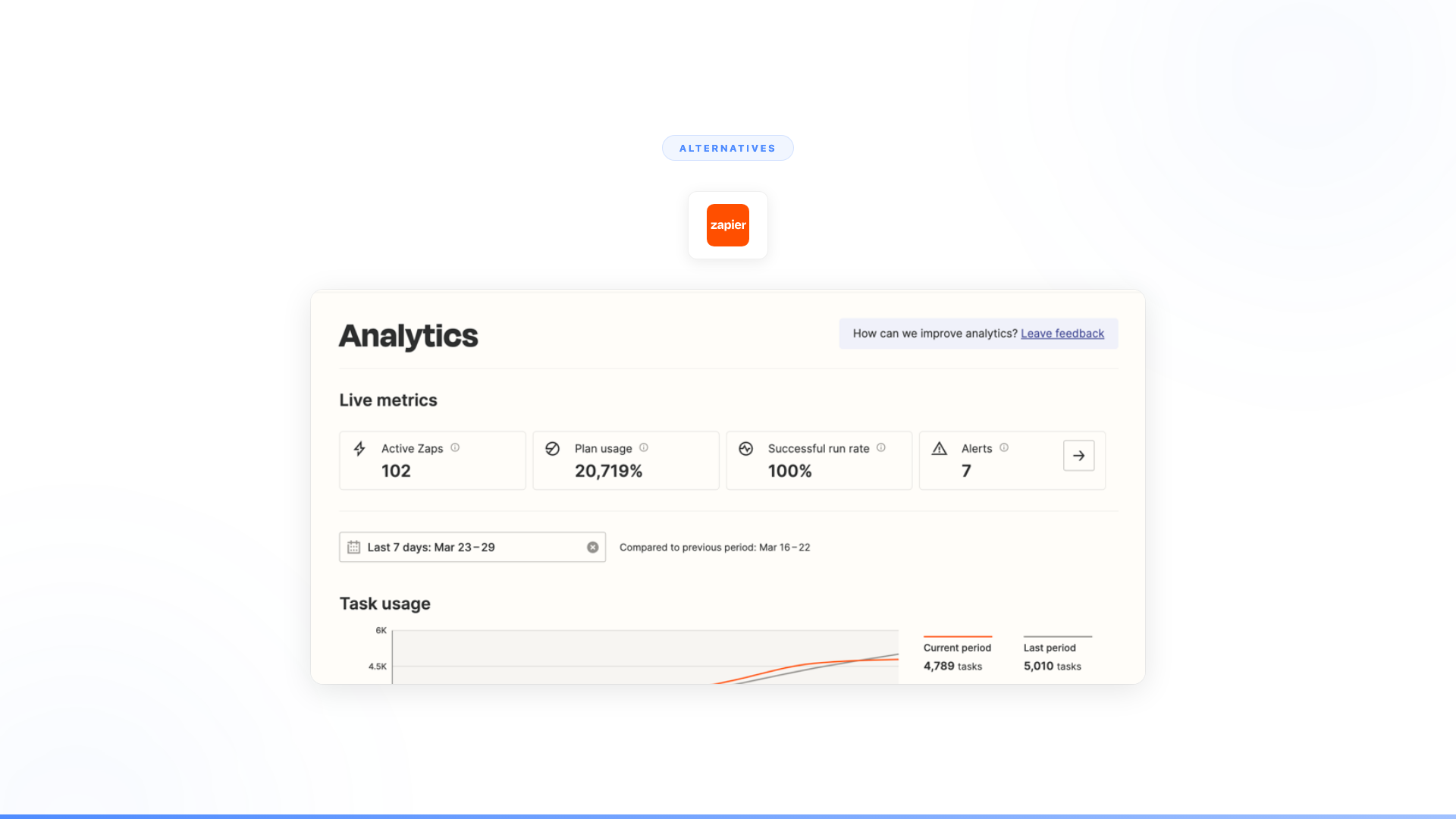
Most teams searching for Zapier alternatives have already built Zaps that work. The problem isn't Zapier. It's that the workflows they need to automate next — onboarding, compliance, claims processing, exception handling — don't fit the trigger-action model. Zapier connects 8,000+ apps reliably. It just can't decide what to do when something unexpected happens.
That ceiling is a category limit, not a feature gap. Zapier's trigger-action model was designed for the predictable fraction of work: clean data, standard inputs, processes where every path can be anticipated in advance. According to McKinsey Global Institute research on automation potential, the majority of remaining automatable work involves exceptions, judgment calls, and unstructured inputs that rule-based tools structurally cannot reach. Better rules don't close that gap.
Here are 10 alternatives, ranked by what they deliver for enterprises with complex automation needs.
What is Zapier?
Zapier is a workflow automation platform that connects 8,000+ apps using trigger-action logic (called Zaps). It is designed primarily for non-technical users who want to automate repetitive tasks — form submissions to CRM, notification routing, data syncing between cloud apps — without writing code.
In 2024 and 2025, Zapier expanded into AI with Zapier Agents: AI-powered teammates that can perform multi-step tasks across connected apps using natural language instructions. Zapier Agents supports over 8,000 app integrations, SOC 2 compliance, and configurable human oversight controls. It represents a genuine step forward from pure trigger-action automation.
Zapier remains one of the most widely used automation platforms for small and mid-size businesses, with pricing starting at $29.99/month for the Starter plan.
The question when evaluating alternatives isn't whether Zapier is good. It is. The question is whether your workflows have outgrown what trigger-action logic — even with AI assistance — can handle.
What are Zapier's main limitations for enterprise use?
Zapier's trigger-action model handles structured, predictable workflows well. For enterprise teams, four limitations surface consistently:
- Exception handling: When unexpected data arrives or a step fails, Zaps stop or route to a human. There is no autonomous judgment about how to proceed.
- No persistent context: Zaps don't retain memory between runs. Each execution starts fresh, which limits handling of ongoing, multi-session workflows.
- Predefined paths only: Every possible branch must be mapped in advance. Workflows with genuine decision points — not just conditionals — require a human in the loop.
- Scale economics: Per-task pricing scales linearly with volume. High-volume enterprise workflows can become expensive relative to value delivered.
Zapier Agents addresses some of this with natural language task instructions, but the fundamental architecture still executes within a predefined app-action framework. For workflows that require end-to-end autonomous judgment across complex, multi-system processes, that gap remains.
Quick comparison
| Tool | Category | Best for | Handles exceptions? | Pricing model |
|---|---|---|---|---|
| Nexus | Autonomous agent platform | Full enterprise workflow automation with judgment and adaptation | Yes, autonomously | Per-agent |
| Workato | Enterprise iPaaS | Complex rule-based integrations with governance | No, routes to humans | Per-connection |
| UiPath | RPA + AI | Screen-level process automation | No, robot stops | Per-robot |
| n8n | Open-source workflow automation | Technical teams wanting self-hosted automation | No, same as Zapier | Self-hosted or cloud |
| Make (Integromat) | Visual workflow automation | Mid-market teams wanting more flexibility than Zapier | No, same architecture | Per-operation |
| Power Automate | Microsoft ecosystem automation | Organizations deep in Microsoft 365 | No, rule-based only | Per-user or per-flow |
| Tray.io | Enterprise automation platform | RevOps and GTM automation | No, rule-based only | Per-connector |
| Celigo | Integration platform | ERP and back-office integrations | No, error routing only | Per-flow |
| SnapLogic | Enterprise integration | Data pipeline and application integration | No, pipeline errors route out | Per-pipeline |
| Custom build | Internal engineering | Organizations with dedicated AI engineering teams | Depends on what you build | Engineering cost |
The alternatives, ranked
1. Nexus
What it is: An autonomous agent platform paired with Forward Deployed Engineers who embed with your team. Nexus agents don't follow rules. They reason. They complete entire business workflows end-to-end: collecting data, validating it against business logic, making decisions within guardrails, handling exceptions, holding conversations when something is ambiguous, and executing actions across systems. Any department. Any workflow. Business teams build and own the agents.
Why enterprises move from Zapier to Nexus:
Zapier follows rules. Nexus agents make decisions. That's not a feature difference. It's a category difference.
When a customer sends an unclear request, a Zap breaks. A Nexus agent asks a clarifying question. When data arrives in an unexpected format, a Zap fails silently. A Nexus agent interprets it. When a workflow requires judgment about what to do next, a Zap routes to a human. A Nexus agent handles it autonomously within guardrails, or escalates with full context when it's uncertain.
The gap between rules and intelligence is where the actual business value lives. That's why Nexus delivers outcomes that rule-based tools structurally can't reach.
What it looks like in production:
- Orange Group (multi-billion euro telecom, 120,000+ employees): Built autonomous customer onboarding agents. Deployed in 4 weeks. 50% conversion improvement. ~$6M+ yearly revenue impact. 90% autonomous resolution. 100% team adoption. Their previous automation couldn't handle the conversational, exception-heavy nature of onboarding at scale. (Nexus client data)
- European telecom (13,000+ employees): Spent 6 months trying to build with another platform and couldn't deliver a single production use case. Deployed a dozen Nexus agents in 12 weeks. 40% of support volume freed across millions of interactions. (Nexus client data)
Pricing: Per-agent, tied to value delivered. Not per-task. An agent serving millions of interactions costs the same whether volume doubles or triples.
Best for: Enterprises that have hit the ceiling on rule-based automation. Workflows that require judgment, exceptions, conversation, adaptation, and compliance. Sales, support, onboarding, compliance, HR, operations, reporting.
Full Nexus vs Zapier comparison -->
2. Workato
What it is: Enterprise-grade integration and automation platform. Workato is essentially Zapier built for IT and operations teams, with stronger governance, more complex workflow logic, and better error handling. It connects 1,000+ enterprise apps and handles sophisticated multi-step recipes with conditional branching, loops, and data transformation. Workato is named a Leader in the Gartner Magic Quadrant for iPaaS.
How it compares to Zapier: Workato is meaningfully more powerful for complex rule-based workflows. Better error handling, better governance, better suited for enterprise IT requirements. If you've outgrown Zapier's simplicity but your workflows are still fundamentally rule-based and predictable, Workato is the natural step up.
Why it might not solve the problem: Workato is a better rule engine. It's still a rule engine. More sophisticated branching, better error logs, stronger governance, but the same structural limitation: every possible path has to be predefined. When something falls outside those paths, the system routes to a human or fails. If you're leaving Zapier because rule-based automation can't handle your workflows' complexity, Workato gives you more rules. Not intelligence.
Pricing: Enterprise pricing, typically $50K–200K+ annually depending on connectors and volume.
Best for: Enterprise IT teams that need stronger governance and more complex rule-based automation than Zapier offers, and whose workflows are fundamentally predictable.
Full Nexus vs Workato comparison -->
3. UiPath
What it is: Robotic process automation (RPA) platform with AI capabilities. Software robots interact with application UIs the way humans do: clicking, typing, copying data between screens. UiPath has added "agentic automation" features, but the core architecture remains screen-level automation. UiPath is consistently named a Leader in the Gartner Magic Quadrant for Robotic Process Automation.
How it compares to Zapier: Completely different approach. Where Zapier connects APIs between cloud apps, UiPath automates screen-based interactions. For legacy systems without APIs, mainframe applications, and processes that require navigating through user interfaces, UiPath reaches where Zapier can't.
Why it might not solve the problem: RPA is notoriously brittle. When an application UI changes (a button moves, a form field gets renamed, a screen layout updates), the robot breaks. RPA implementations require constant maintenance as the applications they interact with evolve. And like Zapier, RPA robots follow scripts. They don't reason, interpret, or adapt. They click what they've been told to click.
Pricing: Per-robot licensing. Enterprise pricing is complex, typically $10K–50K+ per robot annually.
Best for: High-volume, screen-based, repetitive processes on legacy systems without APIs.
Full Nexus vs UiPath comparison -->
4. n8n
What it is: Open-source workflow automation platform. Functionally similar to Zapier but self-hostable, with a more technical user base and greater flexibility for developers. Supports custom code nodes, webhooks, and complex data transformations.
How it compares to Zapier: n8n gives technical teams more control. You can self-host it, write custom JavaScript in workflow nodes, and avoid per-task pricing that scales with volume. For engineering teams that want Zapier-style automation without vendor lock-in, n8n is a strong option.
Why it might not solve the problem: n8n is a better Zapier for developers. The architecture is the same: triggers, actions, conditional branches, predefined paths. Self-hosting adds control but also adds ops burden. The fundamental limitation is identical. When workflows require judgment, conversation, or exception handling beyond predefined branches, n8n hits the same ceiling.
Pricing: Free (self-hosted). Cloud plans start at $24/month. Enterprise pricing custom.
Best for: Technical teams that want self-hosted, open-source workflow automation with more flexibility than Zapier.
Full Nexus vs n8n comparison -->
5. Make (Integromat)
What it is: Visual workflow automation platform. Make uses a visual canvas where you connect modules (apps and actions) with drag-and-drop logic. More visual than Zapier, with finer control over data routing, error handling, and parallel execution.
How it compares to Zapier: Make offers more granular control over workflow logic. The visual builder makes complex multi-branch workflows easier to understand and debug. Per-operation pricing can be more cost-effective at high volumes. For teams that find Zapier's linear workflow model limiting, Make's visual approach is a genuine improvement.
Why it might not solve the problem: More visual, more flexible, same category. Make gives you a better canvas for drawing rules. The rules themselves are still rules. No conversation. No judgment. No autonomous decision-making. When the workflow hits an exception that wasn't anticipated, the same thing happens: it breaks or routes to a human.
Pricing: Free plan available. Paid plans from $10.59/month. Enterprise pricing custom.
Best for: Teams that want more visual, flexible workflow automation than Zapier at potentially lower per-operation costs.
6. Microsoft Power Automate
What it is: Microsoft's workflow automation and RPA platform, deeply integrated with Microsoft 365, Dynamics 365, and the broader Microsoft ecosystem. Combines cloud-based workflow automation (similar to Zapier) with desktop RPA (similar to UiPath) in a single platform.
How it compares to Zapier: If your organization runs on Microsoft, Power Automate is the native automation option. Deep integration with SharePoint, Teams, Outlook, Dynamics, and Azure means you can build workflows that reach across the Microsoft ecosystem without third-party connectors. The desktop automation (RPA) capability adds a layer Zapier doesn't have.
Why it might not solve the problem: Power Automate ties you to the Microsoft ecosystem. Cross-platform automation is possible but less natural. And the same architectural limitation applies: flows are rule-based. Copilot Studio integration adds AI assistance for building flows, but the flows themselves still follow predefined paths. Enterprises that deployed Copilot Studio for complex workflows have hit the same ceiling: months of effort, no production use case, same limitation as every other rule-based system.
Pricing: Per-user ($15/month) or per-flow ($500/month). RPA attended: $40/user/month. Pricing scales quickly with complexity.
Best for: Microsoft-native organizations that want automation tightly integrated with their existing Microsoft stack.
7. Tray.io
What it is: Enterprise automation platform focused on RevOps, marketing operations, and go-to-market workflows. Tray provides a visual workflow builder with deeper enterprise features: reusable building blocks, team collaboration, and stronger security controls than Zapier.
How it compares to Zapier: Tray is built for GTM and RevOps teams at scale. Better governance, reusable components, and more sophisticated data transformation than Zapier. For revenue operations teams managing complex lead routing, data enrichment, and multi-tool GTM stacks, Tray offers real advantages.
Why it might not solve the problem: Tray is a more enterprise-ready rule engine for GTM use cases. The architecture is the same: define the rules, execute the rules, break on everything outside the rules. RevOps workflows are full of exceptions (incomplete data, conflicting signals, deals that don't fit the standard routing logic). Rule-based platforms handle the clean path. The messy reality routes to humans.
Pricing: Enterprise pricing, typically $50K+ annually.
Best for: RevOps and marketing operations teams that need enterprise-grade, rule-based automation for GTM workflows.
8. Celigo
What it is: Integration platform focused on connecting ERP, CRM, and e-commerce systems. Celigo specializes in back-office integrations: NetSuite, Salesforce, Shopify, Amazon, with pre-built integration templates that reduce setup time.
How it compares to Zapier: Celigo is purpose-built for back-office integration, which Zapier handles poorly. Pre-built templates for common ERP and e-commerce integrations mean faster time-to-value for those specific use cases. Better error dashboards and data mapping than Zapier for structured data flows.
Why it might not solve the problem: Celigo solves data integration between back-office systems. If the challenge is workflow automation that requires judgment, customer interaction, or exception handling beyond data routing, Celigo doesn't reach there. It's an integration tool, not a workflow intelligence tool.
Pricing: Per-flow pricing. Typically $20K–100K+ annually for enterprise deployments.
Best for: Organizations that need reliable, pre-built integrations between ERP, CRM, and e-commerce platforms.
9. SnapLogic
What it is: Enterprise integration platform for data pipelines and application connectivity. SnapLogic uses a visual "Snap" system for building integrations and data flows, with strong capabilities for data transformation, API management, and cloud migration.
How it compares to Zapier: SnapLogic operates at a different level. Where Zapier connects apps with simple triggers, SnapLogic handles enterprise data pipelines: moving, transforming, and synchronizing data across complex system landscapes. Better suited for IT teams managing large-scale data integration.
Why it might not solve the problem: SnapLogic is a data integration platform, not a workflow automation or intelligence platform. It moves data between systems reliably. It doesn't make decisions about what to do with that data, handle exceptions that require judgment, or interact with humans when clarification is needed.
Pricing: Enterprise pricing, typically $100K+ annually.
Best for: Enterprise IT teams managing complex data pipelines and large-scale system integrations.
10. Custom build
What it is: Building your own automation or agent infrastructure using frameworks like LangChain, LangGraph, CrewAI, or direct API integrations. Your engineering team designs, builds, deploys, and maintains everything.
How it compares to Zapier: Maximum flexibility. You can build exactly what you need, with exactly the intelligence level you want. No platform constraints, no per-task pricing, no vendor dependencies.
Why it might not solve the problem: Most enterprises don't have surplus AI engineering capacity. The engineers you do have are working on your core product. Custom builds also require you to solve governance, security, compliance, monitoring, and maintenance yourself. Timeline is typically 3–6 months for a first production agent, with ongoing maintenance that compounds. For organizations that have evaluated the build-vs-buy trade-off honestly, the opportunity cost of diverting core engineering to internal agent infrastructure often exceeds the cost of a platform.
Pricing: Engineering salaries + infrastructure. 3–6 months minimum for first production agent.
Best for: Organizations with dedicated AI engineering teams, unique technical requirements, and timelines that can absorb 6+ months of development before seeing results.
When Zapier is still the right tool
Before evaluating alternatives, it's worth being clear about what Zapier does well — because many organizations searching for alternatives don't actually need one.
Zapier is the right tool when:
- Workflows are predictable and every path can be defined in advance
- The automation connects standard SaaS apps with no custom logic required
- Your team is non-technical and needs something deployed in hours, not weeks
- Volume is moderate enough that per-task pricing stays economical
Zapier Agents extends this to some multi-step, judgment-light tasks — following up on leads, enriching CRM records, drafting responses — without leaving the Zapier ecosystem.
The ceiling is reached when workflows require genuine judgment (not just conditional branching), involve ambiguous or unstructured data, need to handle exceptions autonomously, or operate at volumes where per-task economics become prohibitive.
The real question behind "Zapier alternatives"
When enterprises search for Zapier alternatives, they're usually looking for one of two things.
If you need better rule-based automation, Workato, n8n, Make, or Power Automate will give you more sophisticated versions of the same paradigm. Better error handling, more complex branching, stronger governance. They're genuinely better tools for rule-based work. But they share Zapier's structural limitation: every path has to be predefined, and every exception routes to a human.
If you need automation that handles what rules can't, that's a category shift, not a tool swap. The automatable work that stays manual doesn't stay manual because Zapier lacks features. It stays manual because the work requires judgment, conversation, exception handling, and adaptation that no rule-based system can provide — a gap that McKinsey Global Institute research on automation potential identifies as the dominant constraint on enterprise automation ROI.
Orange didn't switch from Zapier to a better Zapier. They deployed agents that handle customer onboarding conversations autonomously. ~$6M+ yearly revenue impact. 4-week deployment. 90% autonomous resolution. (Nexus client data)
A European telecom didn't need more branches in their workflow. They needed agents that maintain compliance across millions of interactions while adapting to regulatory changes. 40% of support volume freed in 12 weeks. (Nexus client data)
The gap between rules and intelligence isn't a feature gap. It's a category gap. Better rules don't close it.
Frequently asked questions
What is Zapier?
Zapier is a workflow automation platform that connects 8,000+ apps using trigger-action logic (Zaps). It is designed for non-technical users who want to automate repetitive tasks — form submissions to CRM, notifications, data syncing — without writing code. Zapier is one of the most widely used automation tools for small and mid-size businesses. In 2024–2025, Zapier expanded into AI with Zapier Agents, which allows multi-step AI-assisted task automation across connected apps.
How much does Zapier cost?
Zapier pricing starts at $29.99/month for the Starter plan. Professional plans run $73.50–$103.50/month. Business plans are $103.50+/month. Enterprise pricing is custom. Costs scale with the number of Zaps and task volume. Per-task pricing becomes a significant factor for high-volume enterprise workflows.
What is the difference between Zapier and Make (Integromat)?
Both are visual workflow automation platforms. Zapier is simpler with a linear trigger-action model; Make uses a canvas-based visual builder with more complex routing options. Make's per-operation pricing can be more cost-effective at high volumes. For non-technical users, Zapier's UI is generally more accessible; for complex multi-branch workflows, Make offers more control. Neither platform handles exceptions autonomously — both route unexpected situations to humans.
Zapier vs Workato: which should an enterprise use?
Zapier is appropriate for individual teams and small businesses automating simple, predictable workflows. Workato is built for enterprise IT teams with stronger governance, more complex conditional logic, and better error handling. Workato is named a Leader in the Gartner Magic Quadrant for iPaaS. For enterprise governance requirements, Workato is the natural step up from Zapier — but remains rule-based, meaning every workflow path still has to be predefined.
What are the main limitations of Zapier for enterprise automation?
Zapier's trigger-action model handles structured, predictable workflows. It does not handle exceptions autonomously (Zaps stop when something unexpected happens), doesn't hold conversations to clarify ambiguous inputs, can't make decisions within a workflow, and doesn't retain context between workflow runs. Most enterprise workflows — especially those involving judgment, compliance, or dynamic customer interaction — hit these limitations. Zapier Agents adds AI capabilities but remains within a predefined app-action framework rather than replacing the fundamental architecture.
Worth exploring?
Every Nexus engagement starts with a 3-month proof of concept tied to measurable outcomes. Forward Deployed Engineers embed with your team from day one. You see results before committing. You can exit anytime.
See the full Nexus vs Zapier comparison -->