How to Move from RPA to AI Agents: Enterprise Migration Guide (2026)
RPA hit a ceiling. AI agents handle the exceptions, judgment calls, and cross-system decisions that bots can't. Here's the practical enterprise guide to making the transition.
Most enterprises that invested in RPA automated 5–15% of their originally targeted processes — then stopped, not from poor execution but because the remaining workflows involved judgment, exceptions, and cross-system reasoning that scripts structurally cannot handle. Moving from RPA to AI agents follows four phases: audit exception rates across current bots, identify the highest-impact workflow agent candidates, run a parallel proof of concept, and migrate processes based on measured outcome data.
You invested in RPA. It delivered on what it was designed for — the predictable, screen-based, repetitive work that used to consume hours of human time. Data entry, form filling, structured document processing. Real value for those use cases.
But the processes you most wanted to automate, the ones with the highest business impact, are still manual. Customer onboarding has too many edge cases. Compliance monitoring requires judgment. Sales research needs interpretation. Support triage involves ambiguous requests that don't fit any script.
This isn't a failure of your RPA implementation. It's the category's structural ceiling. RPA follows scripts. Your most valuable processes need decisions. If you've been down that path and felt the ceiling, this guide covers what's different about AI agents, how to evaluate where to start, and the practical migration path.
Part 1: Why RPA hit a ceiling
Understanding the limitation precisely is the first step — not to dismiss RPA's value, but to recognize what it was designed for and where it stops.
What RPA does well
RPA automates screen-level tasks. Software robots record and replay human actions: clicking buttons, filling forms, copying data between applications. For high-volume, fully predictable processes with stable UIs and zero variation, RPA delivers real efficiency. Enterprises have saved meaningful time and cost on invoice processing, data entry, and system-to-system data transfers. That's not trivial.
Where it stops
Exceptions. When something falls outside the predefined script — ambiguous input, a new data format, an edge case requiring judgment — the bot stops and routes to a human. According to Gartner research on hyperautomation, exception handling is the primary reason RPA programs fail to scale beyond initial use cases. For most enterprise processes, these exceptions represent 30–50% of the volume, and that's typically the work with the highest business impact.
Maintenance. Bots interact with application UIs. When a UI updates — a button moves, a field is renamed, a layout changes — every bot touching that application breaks. Forrester's Total Economic Impact studies on RPA consistently find that maintenance labor represents 30–50% of total RPA program cost, and in mature deployments it often erodes the majority of savings realized. Multiply this across dozens of bots and dozens of applications updating independently, and maintenance costs grow faster than automation value.
Scope. Industry analysis and enterprise practitioner reports suggest most RPA programs automate 5–15% of originally targeted processes. Not due to poor execution, but because the remaining processes involve ambiguity, cross-system reasoning, conversations, and judgment that screen-level scripts structurally cannot handle. (Nexus internal analysis across client engagements is consistent with this range.)
Scaling. Adding more bots doesn't fix these problems. It amplifies them. More bots means more maintenance, more exception queues, more brittle dependencies on screen interfaces that change without warning.
The AI additions don't change the foundation
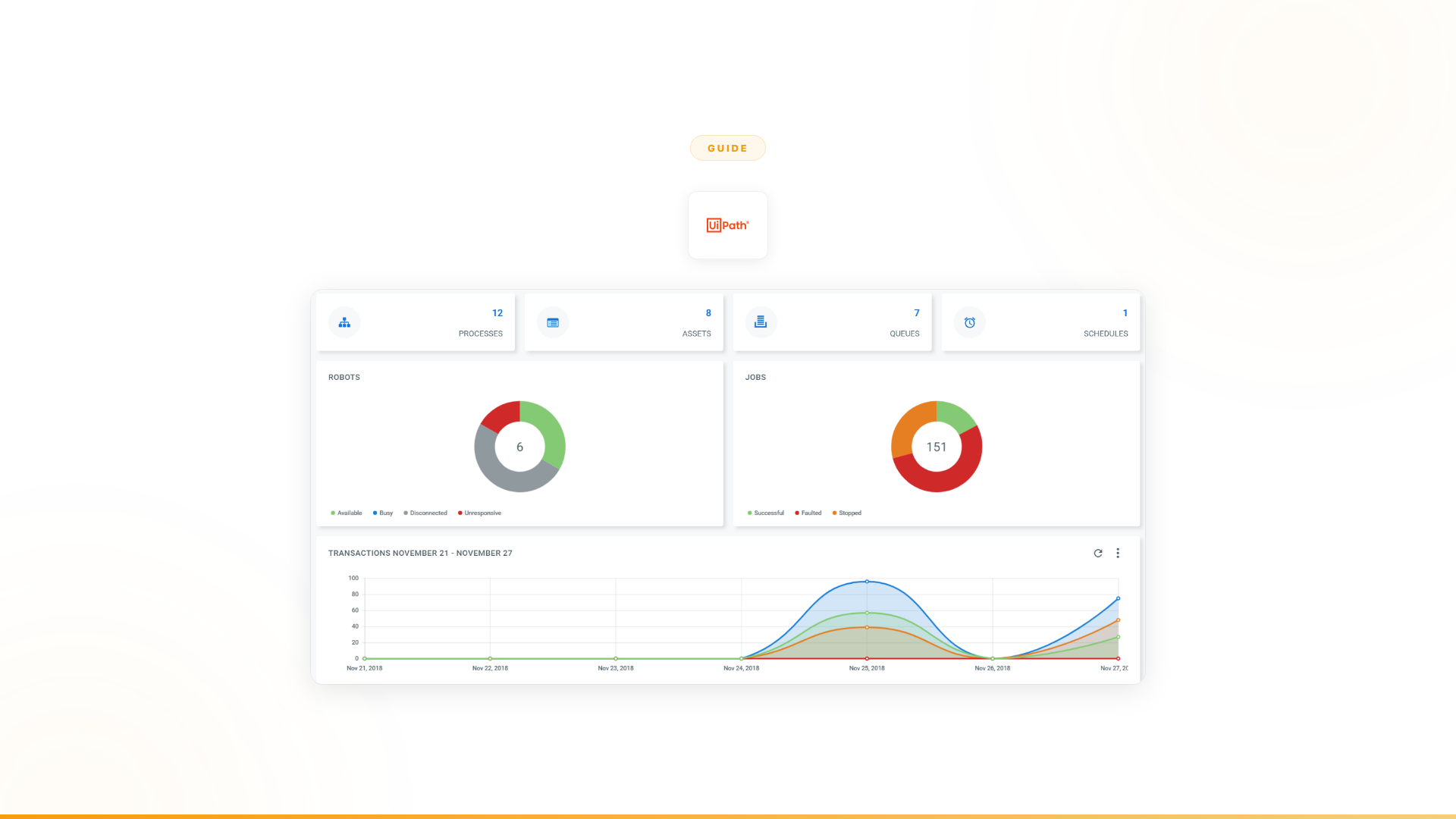
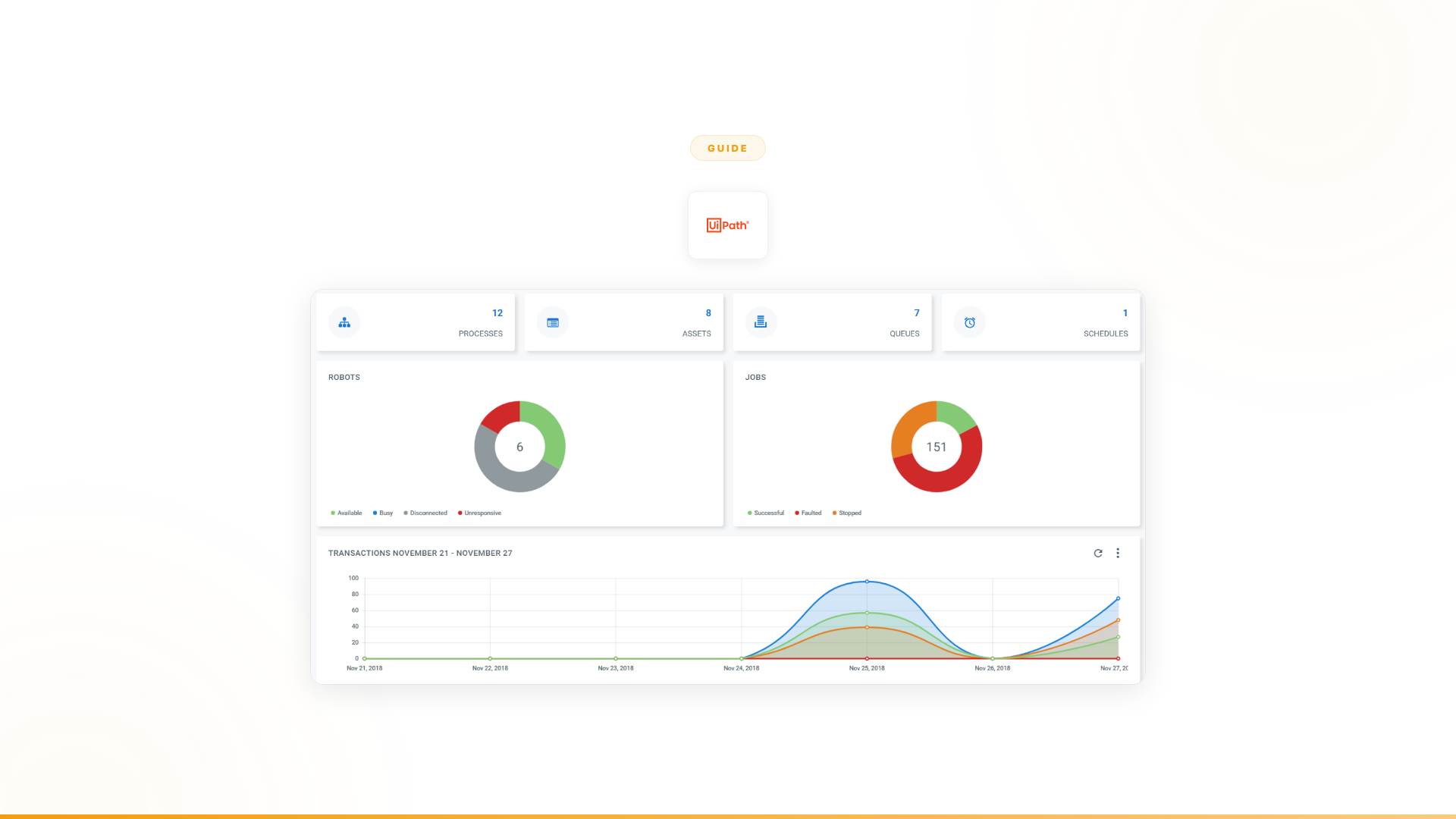
UiPath, Automation Anywhere, and other RPA vendors are investing in AI features — Agent Builder, AI Agent Studio, self-healing bots, document AI. These are genuine product investments. But adding intelligence on top of a screen-level automation foundation is architecturally different from building on intelligence from the start. The underlying scripts remain rule-based. When the rule breaks, the AI layer inherits that brittleness.
The distinction matters. It's the difference between a car with a navigation system bolted on (the car still can't change its own route) and a vehicle where navigation intelligence is the foundation (the system reasons about what to do next). UiPath's CEO publicly described agentic automation as "act two" — an acknowledgment that "act one," predefined scripts, reached its ceiling. The question for enterprises is whether building act two on act one's foundation produces the same result as starting from act two directly.
Part 2: What AI agents actually do differently
"AI agents" is used loosely across the industry. Here is what it means specifically in the context of replacing RPA for enterprise workflows.
Agents reason about business logic, not screen actions
An RPA bot automates customer onboarding by clicking through five applications in sequence: check CRM, verify identity, validate coverage, create account, send confirmation. If any step deviates from the script, the bot stops.
An AI agent automates the same process by understanding the purpose: validate this customer, check their eligibility, create their account, handle any issues that arise. When a customer submits ambiguous information, the agent interprets it. When a system returns unexpected data, the agent reasons about what it means. When an edge case appears, the agent makes a decision within defined guardrails or escalates with full context. The agent understands why each step matters, not just what buttons to click.
Agents handle exceptions instead of routing them
This is the fundamental operational shift. RPA's exception-handling model: stop, route to human, wait. The human resolves the exception, the bot continues. For every exception. At scale, this means enterprises staff exception queues to handle the work bots cannot — which is often the majority of the work.
AI agents handle exceptions autonomously. When a request is ambiguous, the agent holds a conversation to clarify. When data doesn't match expectations, the agent reasons about the discrepancy. When a judgment call is needed, the agent makes it within defined guardrails or escalates with full context about what it tried, what it found, and why it is uncertain. The human receives a clean escalation, not a raw exception dump.
Agents connect through APIs, not screens
RPA bots interact with application UIs — this is the source of the maintenance problem. Every UI change breaks the bot. AI agents connect through APIs. When an application updates its interface, the API remains stable and the agent keeps working.
This matters beyond reliability. API-level integration gives agents access to data and actions that are not available through any screen: system-level data, real-time analytics, bulk operations, cross-system queries. Agents operate at a layer that screen automation structurally cannot reach.
Agents are built by business teams, not developers
RPA typically requires dedicated developers or an RPA Center of Excellence. Business teams identify what needs automating, then wait for technical resources to build and maintain the bots. This creates a bottleneck that constrains automation to the speed of the developer queue.
AI agents shift ownership to the business teams who understand the workflows. The people who know the process — not the people who can code bots — build and own the solution. This eliminates the CoE bottleneck and means the people most invested in outcomes are directly responsible for the automation.
Part 3: How to evaluate whether AI agents are right for you
Not every process needs an AI agent. Here is a practical framework for deciding what stays on RPA and what moves to agents.
Audit your current RPA deployment
Start with three questions about your existing automation:
1. What's your exception rate? For each automated process, what percentage of transactions require human intervention? Below 10% means the bot is well-suited for the work. Above 30% means the bot is handling the easy portion and humans are handling the hard portion. That gap is where agents deliver the most value.
2. What's your maintenance cost as a percentage of automation value? Calculate what you spend annually on maintaining bots — developer time for fixes, testing after UI changes, monitoring, exception queue staffing — versus the value those bots deliver. If maintenance exceeds 40% of value, the RPA approach is structurally unsustainable for those processes.
3. What processes did you target but never automate? Most enterprises have a backlog of processes they identified as automation candidates but deemed "too complex" for RPA. Too many exceptions. Too much ambiguity. Too many judgment calls. That backlog is the highest-value opportunity for agents.
The decision matrix
| Process characteristic | Keep on RPA | Move to AI agents |
|---|---|---|
| Fully predictable, zero variation | Yes | Not needed |
| Stable UI, rarely changes | Yes | Not needed |
| Exception rate below 10% | Yes | Not needed |
| Exception rate above 30% | No, agents handle better | Yes |
| Requires interpreting ambiguous inputs | No, bots can't | Yes |
| Requires judgment calls or decisions | No, bots can't | Yes |
| Involves conversations with users | No, bots can't | Yes |
| Spans multiple systems with cross-system logic | Partially | Yes, with API integrations |
| High maintenance cost from UI changes | Move to agents | Yes, API-level = no UI dependency |
| Legacy system with no API access | Yes (screen-level is the only option) | Not without API access |
| "Too complex" backlog items | RPA couldn't handle | Primary agent use case |
The RPA + agents hybrid
For most enterprises, the transition isn't a clean replacement. The practical model is hybrid: keep existing RPA bots running for the processes they handle well (high-volume, fully predictable, stable-UI), and layer in agents for the adjacent high-exception workflows that bots cannot reach. This protects the existing RPA investment while unlocking the automation backlog.
Over time, as bots in the hybrid model reach end-of-life or require expensive maintenance cycles, agent-first replicas become the natural replacement. The migration is iterative, not a single cutover.
Start with the highest-impact gap
Don't try to replace the entire RPA program at once. Identify the single process where the gap between what bots handle and what the business needs is largest. Usually it is the process with the highest exception rate, the most human intervention, and the biggest revenue or compliance impact.
For Orange, it was customer onboarding. For a major European telecom, it was support triage. Each started with one high-impact use case, proved the value, and expanded from there.
Part 4: The practical migration path
Phase 1: Identify and quantify (Week 1–2)
Map the gap between what is automated and what needs to be. Focus on:
- Exception queues: Where are humans handling the work that bots route to them? What does that cost in time and money?
- Manual high-value processes: Which processes did you target for RPA but couldn't automate? What is the business impact of keeping them manual?
- Maintenance burden: Which bots break most often? Which applications cause the most failures when they update?
The output is a prioritized list of opportunities ranked by business impact, not by technical ease. The hardest processes for bots are usually the most valuable for agents.
Phase 2: Proof of concept (Week 2–6)
Start with one process. Selection criteria:
- High exception rate (30%+ of work currently handled by humans)
- Measurable outcome (revenue, cost savings, time saved, compliance improvement)
- Multiple systems involved (cross-system coordination is where agents outperform bots most clearly)
- Business team willing to own it (not a delegated IT project)
A proper POC isn't a demo. It's a production deployment with measurable results. At Nexus, every engagement starts with a 3-month proof of concept tied to specific outcomes. Forward Deployed Engineers embed with your team and handle integration complexity so you're not learning a new platform alone.
Orange's POC: 4 weeks from start to production agents handling customer onboarding autonomously. 50% conversion improvement. ~$6M+ yearly revenue impact. 90% autonomous resolution. 100% team adoption. (Nexus client data.)
Phase 3: Measure and compare (Week 6–12)
After the POC is running in production, measure the dimensions that matter for agents:
- Autonomous resolution rate: What percentage of transactions does the agent handle without human intervention?
- Exception handling quality: Does the agent resolve the cases bots routed to humans, escalate with useful context, or need further improvement?
- Maintenance cost: How much time do you spend maintaining the agent versus maintaining comparable bots? (Agents operate at API level, so UI changes don't cause breakage.)
- Business outcome: Revenue impact, cost savings, compliance metrics, customer satisfaction. (Orange: ~$6M+ yearly revenue. European telecom: 40% support volume freed. Nexus client data.)
- Team adoption: Are the people who interact with the agent actually using it?
Phase 4: Expand strategically (Month 3+)
Once the first agent proves value, expand to adjacent processes:
Within the same department first. If customer onboarding delivered results, the next agents handle related workflows — support triage, contract processing, account updates. The team already trusts the approach.
Then across departments. If sales intelligence worked, operations and compliance are natural next steps. Both involve exceptions, cross-system coordination, and the same pattern of judgment calls that bots could never handle.
Let business teams lead. Each department identifies their highest-impact manual processes and builds agents for them. With embedded engineering support and a proven platform, new agents deploy in days to weeks, not months.
Part 5: What to look for in an agent platform
Not all "AI agent" platforms are equal. If you're evaluating options, these are the dimensions that matter.
Architecture: agent-first vs. AI-on-RPA
Some vendors are adding AI to RPA (UiPath's Agent Builder, Automation Anywhere's AI Agent Studio). Others built agent-first (Nexus). The architectural difference shows up in how the platform handles exceptions, connects to systems, and maintains itself over time. AI on top of screen-level automation inherits the brittleness underneath. Agent-first means intelligence is the foundation, not a layer on top.
Deployment model: platform vs. solution
A platform gives you software and leaves you to figure it out. A solution includes the expertise to make it work. This distinction matters because deploying AI agents at scale is 10% technology and 90% organizational change — process redesign, team enablement, integration complexity, governance. Platforms that embed technical resources with your team from day one consistently outperform those that hand over software and documentation.
Who builds and owns the agents
If the platform requires AI engineers or dedicated developers, you've recreated the RPA Center of Excellence bottleneck with different technology. Look for platforms where business teams build and own the agents. The people who understand the workflow should control the automation.
Integration depth
Count the integrations, but also check the depth. Can agents pull data, make decisions, and execute actions across your CRM, ERP, communication tools, and custom systems? The breadth and API-level depth of integrations determines what the agent can actually do — not just what it can read.
Governance by design
Enterprise processes need audit trails, decision traceability, and compliance documentation. Look for platforms where governance is built into how agents work, not layered on afterward. Every agent decision should be logged and explainable. When it escalates, the human should receive full context about what the agent tried, what it found, and where it is uncertain.
Proof before commitment
RPA taught enterprises an expensive lesson about buying platforms based on projected ROI. Look for vendors willing to prove value before you commit. Measurable outcomes in 4–6 weeks are more persuasive than any pitch deck, and they de-risk the commitment.
Part 6: Common concerns (and honest answers)
"We've invested millions in RPA. Is that wasted?"
No. The investment isn't wasted for the processes RPA handles well — stable, predictable, screen-based processes with low exception rates and stable UIs. Those bots can keep running. The question is whether those processes represent the full scope of what you need to automate. The processes still manual — the ones in your "too complex for RPA" backlog — are where agents deliver value. You're adding intelligence for the work bots can't reach, not discarding what already works.
"Our RPA vendor says they're adding AI agents. Can't we just wait?"
You can. But understand the architectural distinction. UiPath adding Agent Builder on top of RPA is AI augmenting screen-level automation. An agent-first platform is AI as the foundation with process execution built on top. The results differ because the starting point differs. When something unexpected happens, agentic features constrained by an underlying bot architecture behave differently from agents built to reason from the ground up.
UiPath's CEO described agentic automation as "act two" — an implicit acknowledgment that "act one" (predefined scripts) reached its limits. The question is whether adding act two to act one's foundation produces the same result as starting from act two directly.
"How do we get buy-in from leadership that already invested in RPA?"
Frame it as expansion, not replacement. "We automated 15% of targeted processes with RPA. Here's the 85% we couldn't reach because those processes need judgment, not scripts. AI agents handle that 85%. We're not throwing away what works. We're reaching the work that automation structurally couldn't touch."
Then prove it with a POC. Measurable outcomes in 4–6 weeks are more persuasive than any pitch deck.
"What about security and compliance?"
This is a legitimate requirement. Look for platforms with SOC 2 Type II, ISO 27001, and GDPR certification as a baseline. Every agent decision should be logged with full audit trails and decision traceability. Role-based access controls who can build, modify, and deploy agents. For regulated industries, governance must be built into how agents work, not added later.
"How long does the transition actually take?"
First production agent: 2–6 weeks with embedded engineering support. That includes integration, agent design, testing, and deployment. Full program expansion depends on scope, but the pattern is iterative: prove value on one process, expand to adjacent processes, scale across departments. Most enterprises see the first measurable results within the initial proof-of-concept period.
Part 7: RPA vendor comparison for migration planning
If you're currently on one of the major RPA platforms, here is how the migration context differs:
| Current platform | AI agent additions available | Migration consideration |
|---|---|---|
| UiPath | Agent Builder (agentic workflows on top of RPA) | Strong existing integrations; Agent Builder constrained by bot architecture for complex exceptions |
| Automation Anywhere | AI Agent Studio | Similar pattern to UiPath; works well for augmenting existing bot workflows |
| Blue Prism | Blue Prism Chorus AI | Acquired by SS&C; less investment in agent-first capabilities |
| Microsoft Power Automate | Copilot Studio (conversational), AI Builder | Tightly integrated with Microsoft ecosystem; limited for cross-platform multi-step reasoning |
| Dedicated agent platform (Nexus) | Agent-first architecture | No RPA foundation to migrate from; agents handle exceptions natively from the start |
For enterprises on UiPath or Automation Anywhere with a functioning bot program, the practical path is often hybrid: keep existing bots for the processes they handle well, introduce agents for the high-exception workflows and backlog items. Use the agent POC results to establish a clear framework for future bot retirements.
The bottom line
RPA delivered value for what it was designed to do. But most enterprises bought it expecting process transformation, and the category structurally cannot deliver that for processes requiring judgment, exceptions, and cross-system decisions.
AI agents aren't a better version of RPA. They're a different approach. Agents reason about business logic instead of following scripts. They handle exceptions instead of routing them. They connect through APIs instead of screens. They're built by business teams instead of developers.
The enterprises that have made this transition share a consistent pattern:
- Orange: From a chatbot with 27% drop-out to autonomous agents with 90% autonomous resolution, ~$6M+ yearly revenue impact, 4-week deployment, 100% team adoption. (Nexus client data.)
- European telecom: From bots handling the predictable fraction to agents handling the full process. A dozen agents in production. 40% of support volume freed across millions of interactions. 12-week deployment. (Nexus client data.)
They didn't replace RPA because it was bad. They moved to agents because the work that matters most — the exceptions, the judgment calls, the processes that sat untouched in the backlog — needed intelligence, not scripts.
Frequently asked questions
What is the difference between RPA and AI agents? RPA (Robotic Process Automation) follows predefined scripts to automate screen-level, rule-based tasks. It records and replays human actions across application UIs. AI agents handle ambiguity, make judgment calls within defined guardrails, adapt to exceptions, and operate across conversational and structured workflows — including processes that RPA structurally cannot handle because they require interpretation rather than script execution.
What percentage of RPA-targeted processes actually get automated? Industry analysis and enterprise practitioner reports consistently indicate that most RPA programs automate 5–15% of originally targeted processes. The remaining 85–95% involve exceptions, ambiguity, or cross-system reasoning that rule-based scripts cannot address. This gap — the processes that RPA identified but could not automate — represents the primary opportunity for AI agents.
When should I keep RPA instead of moving to AI agents? RPA remains the right choice for high-volume, fully predictable processes with stable UIs and zero variation: standard invoice processing, fixed-format data entry, UI-based transfers between specific legacy systems. If exception rates are below 10% and the UI is stable, RPA typically delivers lower cost-per-transaction than agents for that specific workflow. The decision matrix in Part 3 provides a framework for making this call process by process.
How long does it take to migrate from RPA to AI agents? A proof-of-concept covering a single high-exception workflow typically runs 2–6 weeks from kickoff to production deployment. Full migration of a mature RPA program to an agent-first model takes 3–12 months depending on the number of bots, integration complexity, and how many legacy systems have modern APIs. Most enterprises run a hybrid model during the transition, with bots and agents running in parallel before phased bot retirement.
Do UiPath and Automation Anywhere offer AI agents? Both vendors have introduced AI agent capabilities — UiPath's Agent Builder and Automation Anywhere's AI Agent Studio. These operate on top of the existing RPA foundation. For workflows that require autonomous decision-making, multi-system orchestration, and exception handling that isn't anchored to UI scripts, a dedicated agent platform offers different architectural depth. The key question is whether the agentic layer can reason independently or whether it is constrained by the underlying bot architecture when unexpected situations arise.
Worth exploring?
Every Nexus engagement starts with a 3-month proof of concept tied to measurable outcomes. Forward Deployed Engineers embed with your team from day one. You see the results before committing.
See the full Nexus vs UiPath comparison →